


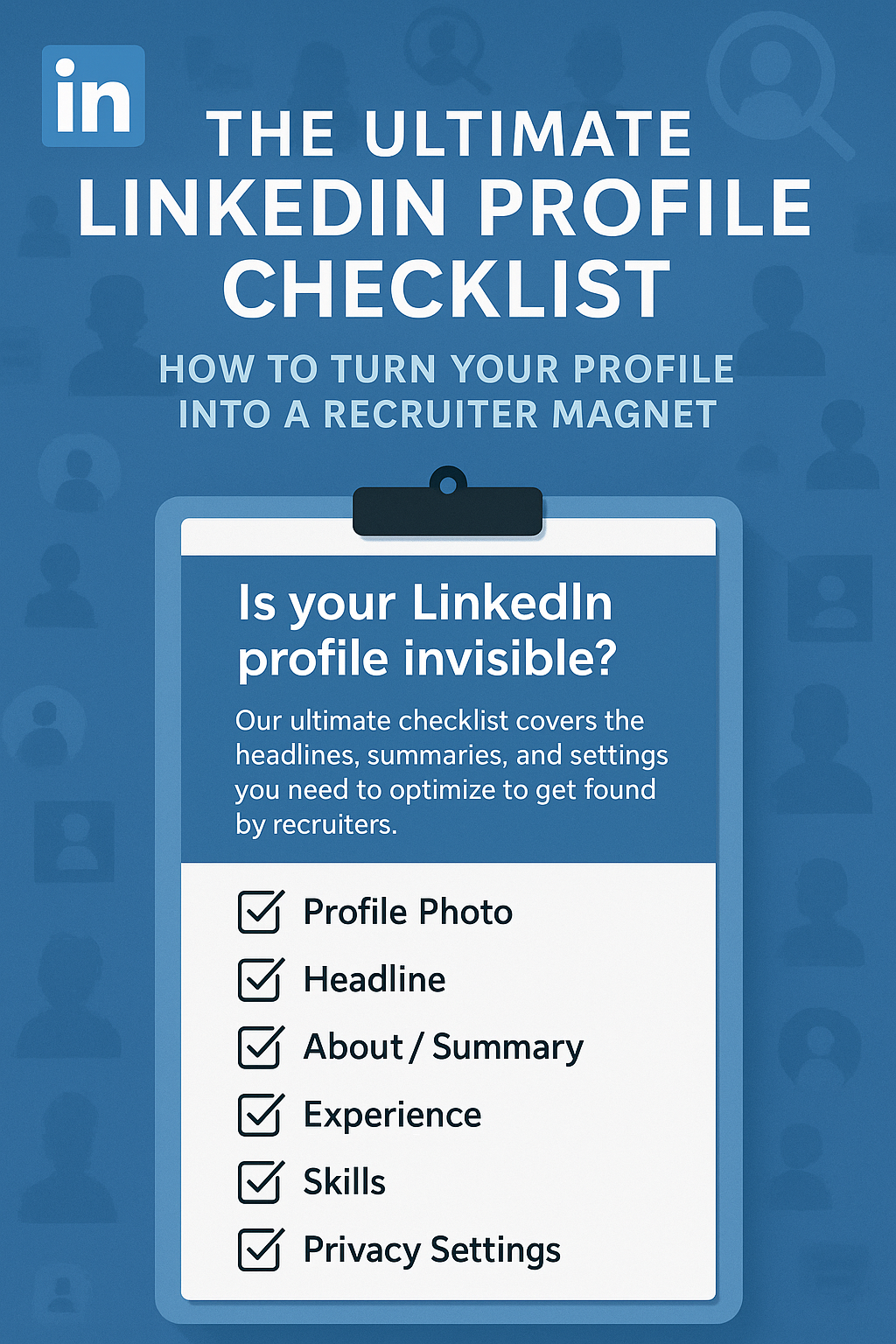
The Ultimate LinkedIn Profile Checklist: How to Turn Your Profile into a Recruiter Magnet
Your resume is what you send to apply for a job, but your LinkedIn profile is how the job finds you.
For the vast majority of recruiters and hiring managers, LinkedIn is not a social network; it is a search engine. They use it like Google to hunt for talent. They type in keywords like "Python Developer," "Brand Manager," or "Financial Analyst," and the algorithm serves them a list of candidates. If your profile isn't optimized, you don't even show up on that list. You are invisible to the "hidden job market" where the best opportunities live.
Many professionals treat LinkedIn as a static, online version of their resume. They copy-paste their bullet points, upload a photo from a wedding (cropped, of course), and leave it gathering digital dust. This is a massive missed opportunity. Your LinkedIn profile should be a dynamic, 24/7 landing page for your personal brand—a sales page that convinces a recruiter to click "Connect" or "Message."
This guide is your tactical checklist. We will move section by section, transforming your profile from a passive placeholder into a high-performance recruiter magnet.
1. The Visuals: Your First Impression (3 Seconds)
Before they read a word, they see your images. * The Headshot: It must be professional. You don't need a studio; you just need good lighting, a plain background, and a smile. Dress as you would for an interview. No sunglasses, no group shots, no selfies in the car. * The Background Banner: The default grey banner screams "I don't care." Upload a custom image. It could be a picture of you speaking at an event, a sleek graphic relevant to your industry (e.g., code on a screen, a city skyline), or even a simple, clean geometric pattern. This is prime real estate to visually signal your industry.
2. The Headline: The Most Valuable Real Estate
Your headline follows you everywhere—on every comment you make and every connection request you send. Do not just put your job title (e.g., "Marketing Manager at Company X"). That is boring and tells us nothing about your value.
The Winning Formula: [Job Title] | [Key Hard Skills/Keywords] | [Unique Value Proposition or Achievement]
Examples: * Weak: "Sales Representative." * Strong: "SaaS Sales Executive | B2B & Enterprise Software | Generated ₹5Cr+ Revenue in 2025" * Weak: "Student." * Strong: "Aspiring Data Analyst | Python, SQL, Tableau | Final Year CS Student @ IIT Bombay"
3. The "About" Section: Your Elevator Pitch
This is where you tell your story. Do not write in the third person ("Mr. Sharma is a..."). It feels distant and arrogant. Write in the first person ("I am...").
- The Hook: The first 3 lines are crucial because LinkedIn hides the rest behind a "See more" button. Start with a powerful statement about who you are and what you solve.
- The Keywords: Weave your core skills naturally into the narrative.
- The Call to Action: End with how you want people to engage. "Open to networking—feel free to send a connection request."
4. The Experience Section: Results, Not Duties
This should mirror your resume but can be slightly more conversational. * Don't List Duties: "Responsible for sales" is weak. * List Achievements: "Led a team of 5 to achieve 120% of annual sales targets." * Use Media: LinkedIn allows you to attach links, PDFs, and images to each role. Did you launch a website? Write a whitepaper? Lead a campaign? Link it here. It’s tangible proof of your work.
5. The Skills Section: Feeding the Algorithm
This is pure SEO (Search Engine Optimization) for recruiters. LinkedIn allows you to list up to 50 skills. Use all 50. * Prioritize the Top 3: Pin your three most critical skills to the top. These should be the hard skills most requested in job descriptions for your target role. * Get Endorsed: Ask colleagues to endorse you for these specific skills. High endorsement numbers validate your expertise.
6. Recommendations: Social Proof
A resume is what you say about yourself. A recommendation is what others say about you. It builds trust instantly. * The Strategy: Aim for at least 3-5 recommendations. Don't just wait for them. Reach out to a former manager, a happy client, or a close colleague and say: "I'm updating my profile and would love if you could write a brief recommendation highlighting our work on [Project X]. I'd be happy to write one for you in return."
7. The "Open to Work" Settings
If you are job hunting, you need to tell the algorithm. * Go to "Open to" > "Finding a new job." * The Green Banner: If you are unemployed or unconcerned about your current employer knowing, use the green "Open to Work" photo frame. It increases visibility significantly. * Recruiters Only: If you are employed and searching confidentially, select "Recruiters Only." LinkedIn attempts to hide this from your current company, but it signals to everyone else that you are on the market.
Conclusion: It's a Living Document
Your LinkedIn profile is never "finished." It should evolve as your career evolves. Spend 15 minutes a week engaging on the platform—commenting on posts, sharing articles, or connecting with new peers. An active profile is a visible profile.
By optimizing these seven areas, you stop chasing recruiters and start letting them come to you.
Make sure the resume you send to these recruiters matches the high quality of your LinkedIn profile by using the JobPe Resume Builder. And to see who is hiring right now, check the latest listings on JobPe.

Creative Content Writer
More from Debojyoti Roy
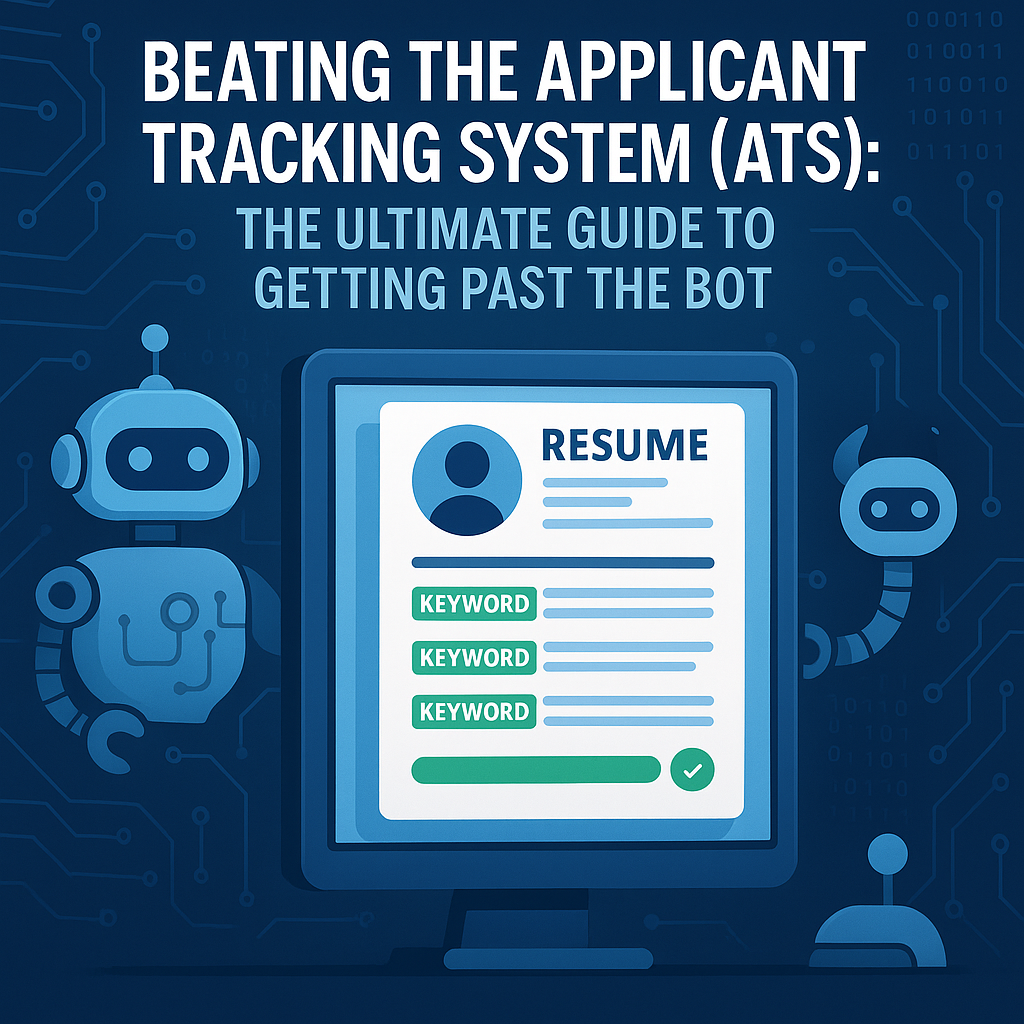
Beating the Applicant Tracking System (ATS): The Ultimate Guide to Getting Past the Bot
Is your resume getting rejected instantly? It might be the ATS. Learn how Applicant Tracking Systems work, how to format your resume to beat the bot, and the keyword strategies that get you noticed.
2025-12-10
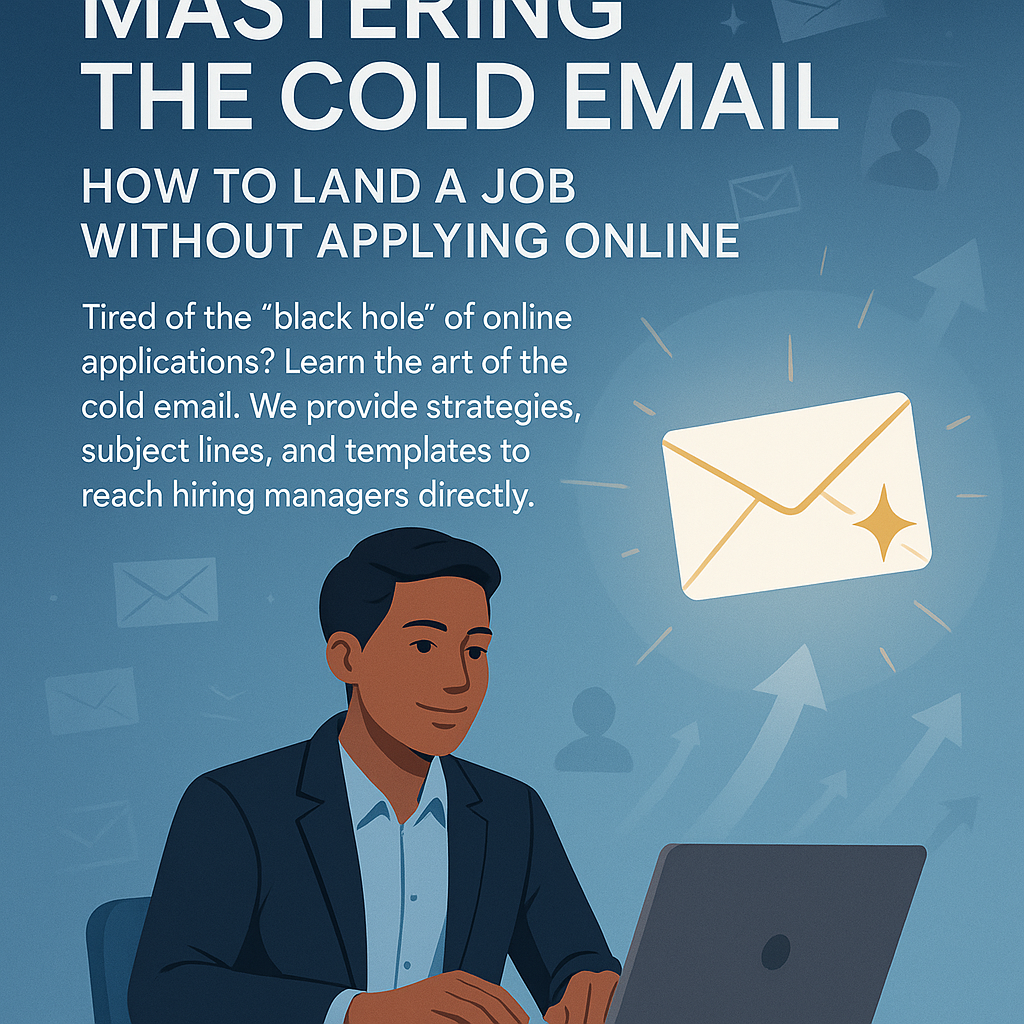
Mastering the Cold Email: How to Land a Job Without Applying Online
Tired of the "black hole" of online applications? Learn the art of the cold email. We provide strategies, subject lines, and templates to reach hiring managers directly.
2025-12-10
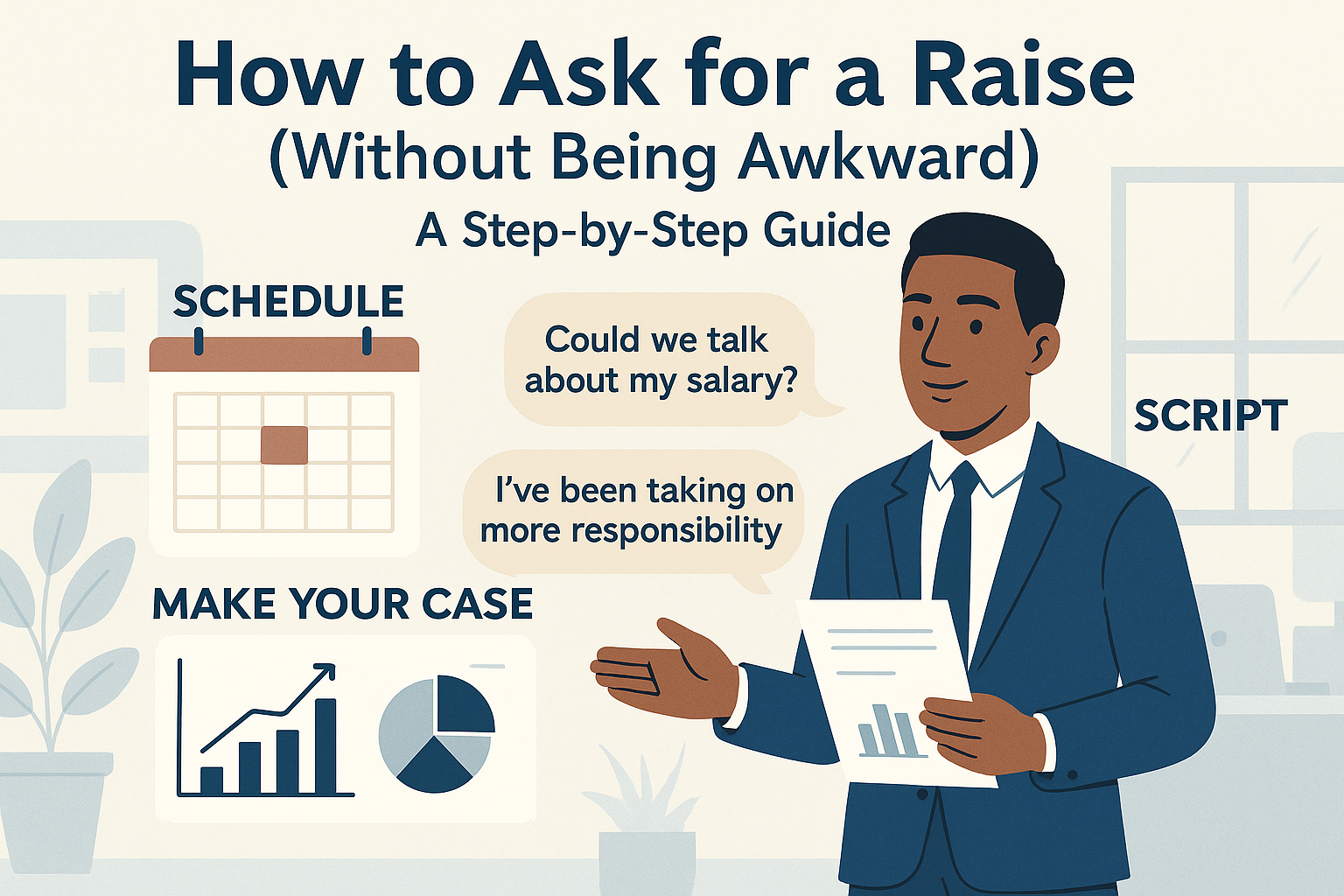
How to Ask for a Raise (Without Being Awkward): A Step-by-Step Guide
Don't wait for your annual appraisal. Learn the strategic way to ask for a raise, build your business case, and use our scripts to get the salary hike you deserve.
2025-12-10
The First 90 Days: A Strategic Plan to Impress Your New Boss
Your first 3 months in a new job determine your reputation. Use our 30-60-90 day plan to secure early wins, build relationships, and pass probation with flying colors.
2025-12-09
Background Verification (BGV) Explained: What Employers Actually Check (And What Gets You Rejected)
Worried about the background check? We decode the Background Verification (BGV) process in India, covering employment history, education checks, and how to handle discrepancies.
2025-12-09