


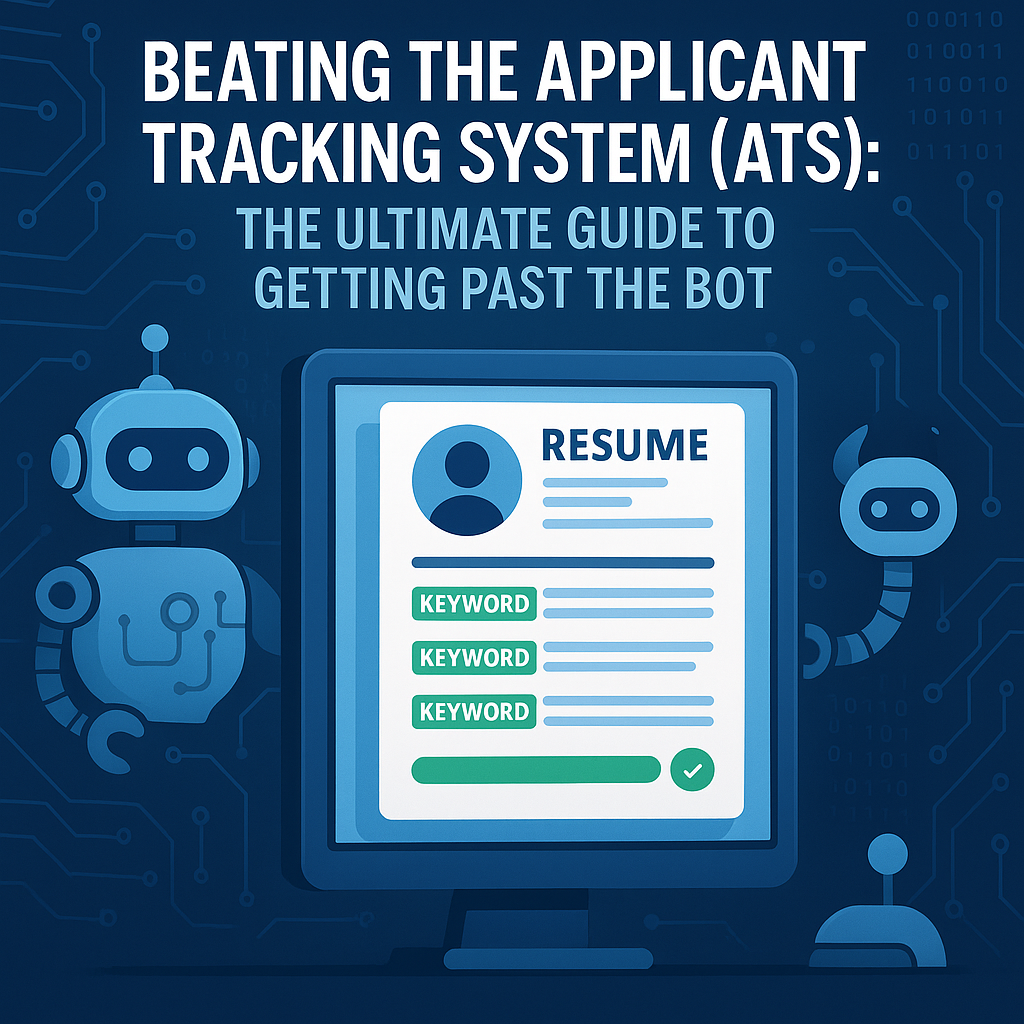
Beating the Applicant Tracking System (ATS): The Ultimate Guide to Getting Past the Bot
You spend hours crafting the perfect resume. You tailor your cover letter. You hit "Submit" on the company's career portal with a surge of hope. And then... nothing. Or worse, you receive an automated rejection email 10 minutes later, at 2:00 AM on a Sunday.
How is that possible? Did a recruiter really read your three-page application in 10 minutes in the middle of the night?
The answer is no. A human didn't reject you. A robot did.
Welcome to the world of the Applicant Tracking System (ATS).
Research shows that nearly 75% of resumes submitted online are never seen by human eyes. They are filtered out by ATS software (like Workday, Taleo, or Greenhouse) before they ever reach a recruiter's dashboard. For many job seekers, the ATS feels like an impenetrable black box—a villain designed to keep you unemployed.
But the ATS is not a villain; it is a filing cabinet with a brain. It is designed to handle the sheer volume of applications (often hundreds for a single role) by parsing, sorting, and ranking candidates based on relevance.
If you understand how the machine thinks, you can defeat it. You can optimize your resume so that it not only passes the filter but lands at the top of the recruiter's list. This guide is your technical manual for "beating the bot."
Part 1: How the ATS Actually Works (The "Parser" vs. The "Ranker")
To beat the system, you must understand its two main functions.
1. The Parser (The Reader)
When you upload your resume, the ATS doesn't look at it like a picture. It strips away the formatting and tries to convert the text into digital data fields. It looks for "Name," "Phone Number," "Education," and "Work History." * The Failure Point: If your resume uses complex formatting (like columns, tables, or graphics), the Parser gets confused. It might read your "Skills" section as part of your "Name," or fail to read your "Work History" entirely. If the Parser can't read it, the system assumes you have no experience.
2. The Ranker (The Scorer)
Once the data is parsed, the ATS compares your profile against the Job Description (JD). It looks for specific keywords and assigns you a "match score" (e.g., 85% match). * The Failure Point: If you call yourself a "Customer Success Specialist" but the system is searching for "Account Manager," your score drops, even if the job is identical. Recruiters typically only look at the top 10-20% of scored resumes.
Part 2: Formatting Rules (Don't Confuse the Robot)
The number one reason qualified candidates get rejected is bad formatting. An "ATS-Friendly" resume looks boring to a human, but it looks beautiful to a robot.
1. The "One-Column" Rule
This is non-negotiable. Many modern resume templates use a two-column layout (Skills on the left, Experience on the right). * The Risk: Old ATS parsers read left-to-right, straight across the page. They might mash your skills and experience together into gibberish. * The Fix: Use a standard, single-column layout. It is the safest bet.
2. Kill the Graphics
- No Photos: Unless you are a model or actor, remove your headshot. It can confuse the parser.
- No Icons/Charts: Do not rate your skills with "5 stars" or "progress bars." The ATS cannot read a progress bar. It just sees an image. Write "Expert in Python" instead.
- No Tables: Do not use invisible tables to align text. Use tab stops or simple alignment.
3. Stick to Standard Fonts
Use standard, web-safe fonts like Arial, Calibri, Helvetica, or Roboto. Avoid fancy scripts or custom downloaded fonts that the system might not recognize, turning your text into strange symbols.
4. File Type: PDF vs. Word
- The Verdict: Modern ATS can handle PDFs, and PDFs preserve your formatting best. However, if the application portal specifically asks for a
.docor.docx, obey it. It means their system is old and struggles with PDFs.
Part 3: The Keyword Strategy (Speaking the Language)
Once your format is clean, you need to feed the "Ranker" the right words.
1. Mirror the Job Description
Open the JD. Highlight the hard skills (software, certifications, languages) that appear multiple times. * Example: If the JD asks for "Adobe Photoshop" and you have listed "Photo Editing Suite," change it to "Adobe Photoshop." You must use the exact terminology.
2. Contextualize Your Keywords
Don't just dump a list of keywords at the bottom in white text (we'll get to that myth later). The sophisticated ATS algorithms look for context. * Bad: "Skills: Project Management, Agile, Budgeting." * Good: "Used Agile methodologies to lead Project Management for a $50k initiative, finishing under Budget." Weave the keywords into your bullet points.
3. Acronyms vs. Full Spelling
Use both. The recruiter might search for "SEO," while the machine might search for "Search Engine Optimization." * Format: "Search Engine Optimization (SEO)" or "Master of Business Administration (MBA)."
Part 4: Common ATS Myths Busting
The internet is full of bad advice about "hacking" the ATS. Let's clear it up.
Myth 1: "The White Font Hack"
- The Idea: Copy the entire job description, paste it into your resume in tiny white font so it's invisible to humans but read by the bot to get a 100% match.
- The Reality: Do not do this. Most modern ATS will automatically highlight "hidden" text or convert all text to the same color for the recruiter to read. If a recruiter sees you trying to cheat the system, you will be blacklisted for dishonesty.
Myth 2: "A Human Never Sees My Resume"
- The Reality: The ATS is a filter, not a hiring manager. If you rank high enough, a human will look at your resume. That is why your resume must be readable for both the bot (clean format) and the human (compelling content).
Myth 3: "I Need a Fancy Design to Stand Out"
- The Reality: In creative fields (Design, Advertising), send a portfolio link for the visuals. For the resume document itself, boring is better. A clean, text-based resume gets you the interview; your portfolio gets you the job.
Conclusion: It's a Tool, Not an Enemy
The ATS is just a database. It rewards clarity, standard formatting, and relevant keywords. It punishes clutter, confusion, and generic applications.
By stripping your resume of unnecessary design elements and tailoring the language to match the specific role, you turn the ATS from a barrier into a bridge.
Your Action Plan: 1. Audit: Open your current resume. Is it two columns? Does it have icons? If yes, rebuild it. 2. Scan: Use the JobPe ATS Check (or similar tools) to scan your resume against a target job description and see your match score. 3. Tailor: Spend 15 minutes adjusting keywords for every single application. Quality over quantity.
Once your resume beats the bot, make sure you are ready to impress the human by practicing with JobPe's Interview Questions.

Creative Content Writer
More from Debojyoti Roy
How to Handle Toxic Coworkers: The Slacker, The Gossip, and The Credit Stealer
You can't choose your colleagues. Learn how to deal with the most common office villains—the Credit Stealer, the Chronic Complainer, and the Slacker—without losing your professional cool.
2026-01-20
The 4-Day Work Week: Will AI Finally Make It a Reality?
Can Artificial Intelligence unlock the 4-day work week? We analyze how AI productivity tools could shorten the work week, the economic obstacles standing in the way, and how to position yourself for an output-based career.
2026-01-20
Best Answer to "What Is Your Greatest Weakness?"
Stop saying "I'm a perfectionist." Learn how to answer the "Greatest Weakness" interview question with authentic, safe examples that show growth and self-awareness.
2026-01-19
How to Ask for a Referral on LinkedIn (3 Proven Scripts)
Stop getting rejected by the ATS. Employee referrals are 4x more likely to get hired. Learn the psychology of the "ask" and use our copy-paste scripts to get referred today.
2026-01-08
Video Interview Tips: How to Ace Your Zoom & Teams Interview |
Nervous about your virtual interview? From lighting hacks to eye contact secrets, master these 7 video interview tips to look professional on Zoom, Google Meet, or Teams.
2026-01-08