


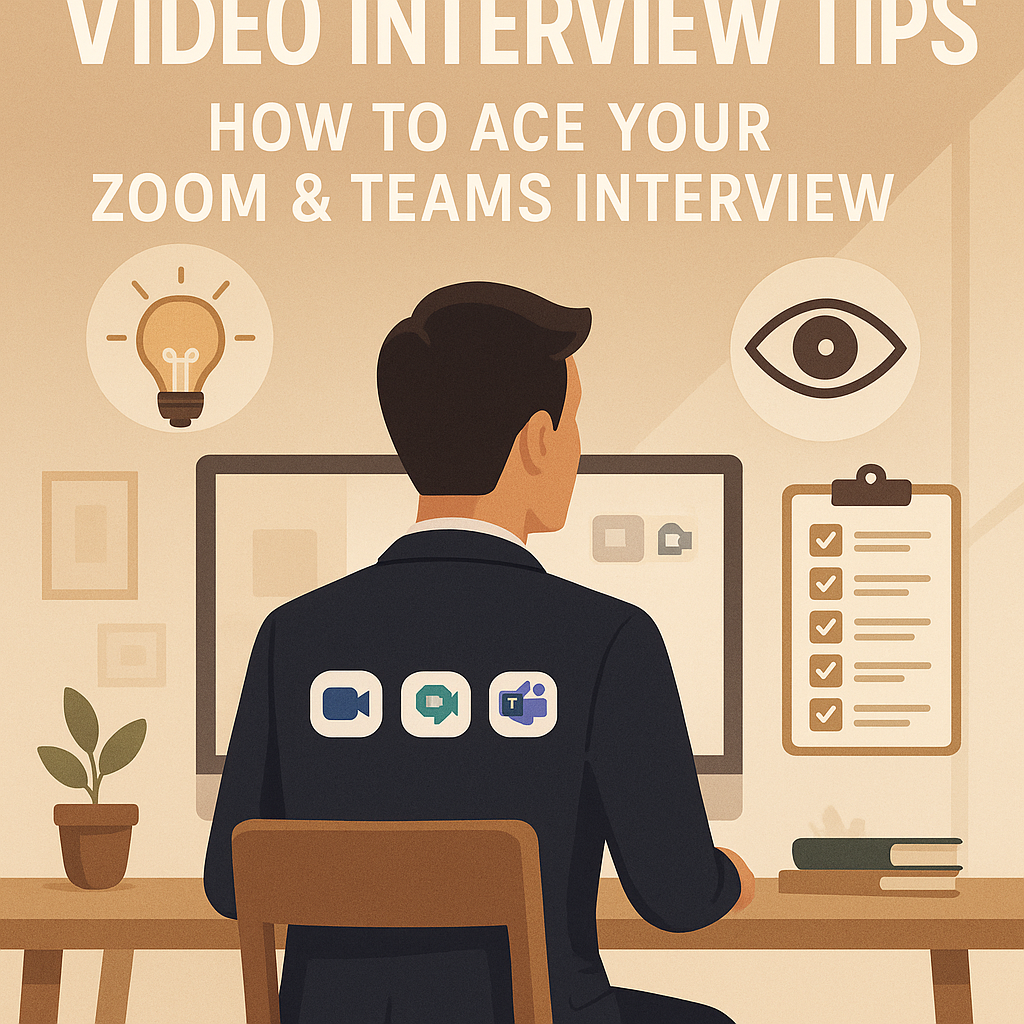
Video Interview Tips: How to Ace Your Zoom & Teams Interview
The handshake is dead. The "firm grip" has been replaced by the "stable internet connection."
In 2026, 80% of first-round interviews happen virtually. Whether it is on Zoom, Google Meet, or Microsoft Teams, the rules of the game have changed. You aren't just being judged on your answers; you are being judged on your Production Value.
If your camera is blurry, your room is messy, or you are looking down at your lap, you subconsciously signal "unprofessional" before you even speak.
A great video interview requires acting like a broadcaster. You need to manage the lights, the camera, and the action.
This guide provides the ultimate Video Interview Checklist to ensure you look confident, sounded crisp, and connect with the recruiter through the screen.
1. The Tech Setup: Camera Angle and Audio
Keywords: Camera placement, microphone quality, internet speed
Bad audio kills interviews faster than bad answers. If they have to strain to hear you, they will get annoyed.
- The Eye-Level Rule: Most people put their laptop on the desk, meaning the camera looks up their nose. This is unflattering.
- The Fix: Stack some books under your laptop until the camera lens is exactly level with your eyes.
- Audio Matters: Do not use the built-in laptop microphone (it picks up echo). Use a wired headset or good quality Bluetooth earbuds.
- The "Can You Hear Me?" Check: Test your mic settings 10 minutes before the call. Do not waste the first 2 minutes of the interview fumbling with permissions.
2. Best Background for Video Interviews
Keywords: Professional video background, virtual background vs real, lighting tips
Your background tells a story about your personality. * The "Wall" Strategy: Sit with your back to a plain wall or a tidy bookshelf. Avoid messy beds, open closet doors, or busy kitchens. * Lighting 101: Never sit with a window behind you (you will look like a silhouette). Sit facing the window. If it is dark, put a lamp behind your laptop shining on your face. * Virtual Backgrounds: Use them only if necessary. If you do, pick a simple "Blur" or a professional office image. Avoid the "Beach" or "Space" backgrounds—they look childish.
3. The Eye Contact Secret (Look at the Lens)
Keywords: Eye contact in video interview, body language on zoom
This is the hardest habit to break. * The Mistake: Looking at the face of the interviewer on the screen. To them, it looks like you are looking down. * The Fix: Look directly at the black camera lens. * The Hack: Stick a small googly eye or a sticky note with an arrow right next to your camera lens. It reminds you where to look. When you look at the lens, the interviewer feels you are making direct eye contact.
4. The "Invisible" Cheat Sheet Advantage
Keywords: Interview cheat sheet, notes during video interview
The biggest advantage of a video interview? They can't see your desk. You can use this to your advantage.
- Post-It Notes: Stick 3 Post-it notes on the bezel of your laptop screen (near the camera).
- Note 1: "Smile!"
- Note 2: Keywords for "Tell me about yourself."
- Note 3: 2 questions to ask them at the end.
- The Resume: Print your resume and tape it to the wall behind the camera. You can glance at it without bending your head down.
5. Body Language on Camera
Keywords: Sitting posture, hand gestures, active listening
On video, your energy is flattened. You need to amplify it by 10%. * The Nod: Since you can't say "Mmhmm" without cutting off their audio, use exaggerated nodding to show you are listening. * Posture: Sit on the edge of your chair. If you sit back, you tend to slouch. Sitting on the edge keeps your energy up and your back straight. * Dress Code: Dress fully. Do not wear a suit jacket with pajama pants. If you have to stand up for any reason, you will be humiliated.
6. Managing Technical Glitches Gracefully
Keywords: Internet connection dropped, zoom freeze
It happens. The Wi-Fi dies. The screen freezes. * Don't Panic: If you freeze, apologize calmly: "I think I lost you for a second there. Let me repeat that." * The Backup Plan: Keep your phone next to you with the mobile hotspot ready. If Wi-Fi fails, switch immediately.
7. The "Login" Timing
Keywords: When to join interview link
- Too Early: Do not join 10 minutes early. You might interrupt the interviewer's previous meeting.
- Just Right: Click the link 2 minutes before the start time. This gives you a buffer to load the app but doesn't make you look desperate.
Conclusion: Production Value = Professionalism
In a remote world, your ability to set up a professional video call is a "soft skill." It proves you are tech-savvy and detail-oriented.
Set the stage, look at the lens, and smile. You are on air.
To test your camera setup and get AI feedback on your eye contact, run a practice session on the JobPe Mock Interview Tool.
For more remote work guides, https://jobpe.com.

Creative Content Writer
More from Debojyoti Roy
How to Ask for a Referral on LinkedIn (3 Proven Scripts)
Stop getting rejected by the ATS. Employee referrals are 4x more likely to get hired. Learn the psychology of the "ask" and use our copy-paste scripts to get referred today.
2026-01-08
Best Answer: "Why Did You Leave Your Last Job?"
"Why did you leave your last job?" is a trap. If you complain, you lose. Learn the safe, professional scripts to explain layoffs, toxic bosses, or seeking better opportunities.
2026-01-07
Delete These 6 Things From Your Resume Now
Is your resume outdated? Recruiters spend 6 seconds scanning your CV. Here are the 6 red flags, clichés, and wasted spaces you need to delete immediately to get more interviews.
2026-01-07
Mastering the STAR Method: How to Answer Behavioral Interview Questions
Stuck on "Tell me about a time you failed"? Learn the STAR Method (Situation, Task, Action, Result) to structure your stories and ace behavioral interview questions like a pro.
2026-01-06
How to Answer "Tell Me About Yourself": The Perfect Interview Script
The first question in every interview is "Tell me about yourself." Don't ramble. Use our "Present, Past, Future" formula to craft a 2-minute elevator pitch that hooks the recruiter instantly.
2026-01-06