


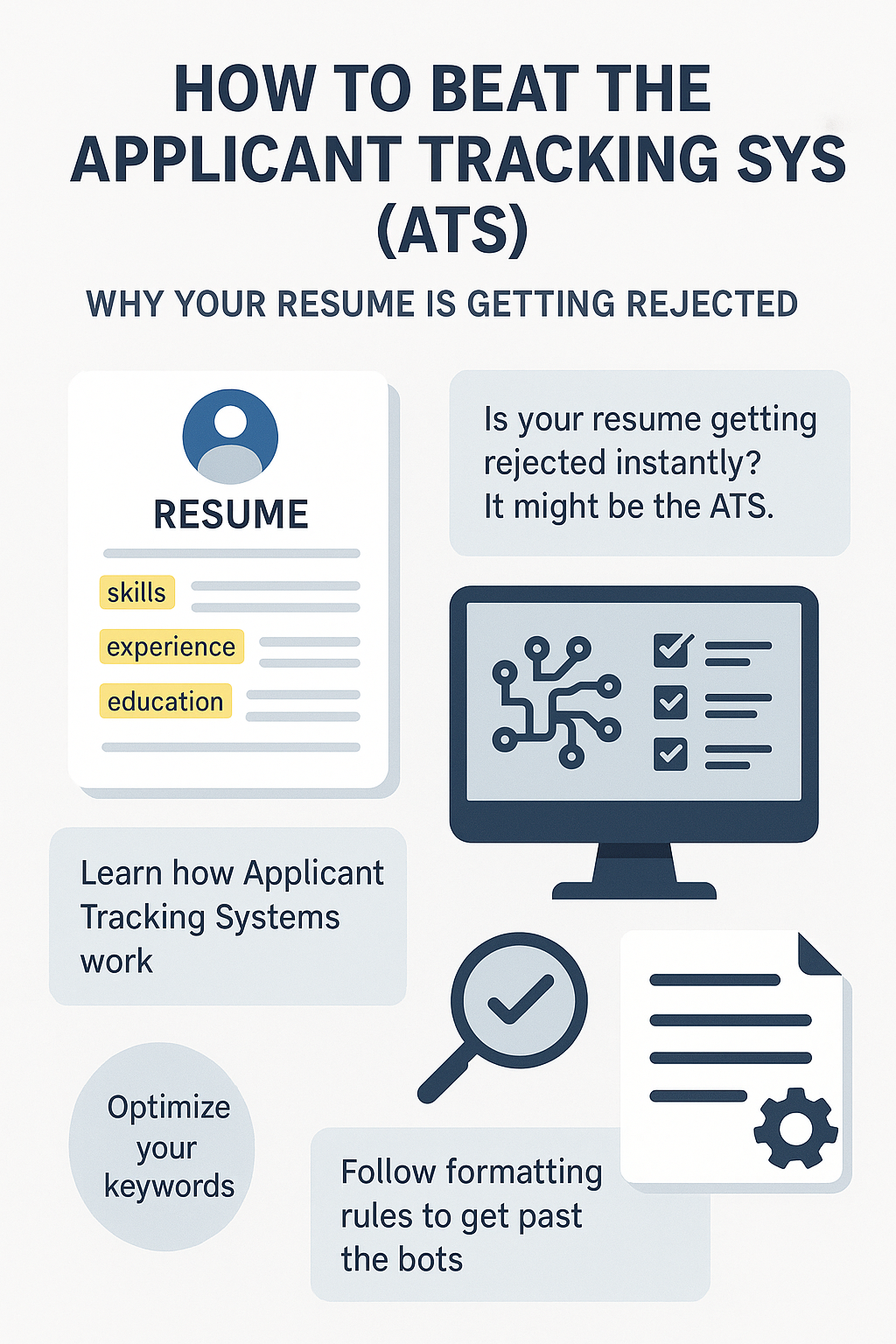
Why Your Resume Is Getting Rejected? How to Beat the Applicant Tracking System (ATS)
You spent three hours designing a beautiful resume. You used a two-column layout, added a photo, used a cool font, and included a graph showing your skills. You applied to 10 jobs online.
Result: 0 Interviews.
You didn't get rejected by a human. You got rejected by a robot.
Welcome to the world of the Applicant Tracking System (ATS).
99% of Fortune 500 companies (and most mid-sized startups) use software like Workday, Greenhouse, or Taleo to manage applications. When you hit "Apply," your resume isn't emailed to a recruiter; it is fed into a database that strips the text, parses it, and ranks you against thousands of other candidates.
If your resume is not "ATS-Friendly," the system can't read it. To the recruiter, your application looks blank or garbled, so it goes straight to the trash.
The good news? You don't need to be a hacker to beat the system. You just need to follow a few rigid formatting rules. This guide will teach you how to optimize your resume so it sails past the bots and lands on a human's desk.
Myth Buster: How the ATS Actually Works
The ATS is not "AI" that judges your worth. It is a text matcher. * Input: The Job Description (JD) contains specific keywords (e.g., "Python," "Project Management," "Salesforce"). * Process: The ATS scans your resume to see if those exact keywords appear. * Output: It gives you a "Match Score" (e.g., 85%). Recruiters usually only look at the top 20% of scores.
If the JD asks for "SEO" 5 times, and your resume says "Search Engine Optimization" 0 times, you might rank lower.
Rule 1: Kill the "Fancy" Design (Formatting)
This is the hardest rule for creative people. ATS software hates design. It gets confused by complex layouts.
- No Columns: Use a standard, single-column layout. Many older ATS parsers read left-to-right. If you have two columns, it might read your Work History mixed with your Skills section, creating gibberish.
- No Graphics/Icons: Do not use logos for companies. Do not use "stars" or "bars" to rate your skills (e.g., 4/5 stars in Java). The ATS reads a graphic as... nothing.
- No Headers/Footers: Information in the header (like your contact info) is often ignored by some parsers. Put your name and email in the main body of the document.
- Safe Fonts Only: Stick to Arial, Calibri, Helvetica, or Roboto. Hand-written style fonts are unreadable.
Rule 2: Keyword Mirroring (The SEO of Resumes)
You cannot use one generic resume for every job. You must "mirror" the language of the specific job description.
The Strategy: 1. Open the Job Description. 2. Highlight the Hard Skills that appear multiple times (e.g., "Google Analytics," "Agile Methodology," "B2B Sales"). 3. Open your Resume. 4. Ensure those exact words appear in your "Skills" section or bullet points.
The Acronym Trap: The ATS might not know that "Search Engine Optimization" is the same as "SEO." * Fix: Use both. "Expert in Search Engine Optimization (SEO)."
Rule 3: Use Standard Headings
Do not get creative with your section titles. The ATS looks for specific headers to categorize your data.
- Don't use: "My Journey," "Professional Adventures," or "What I've Done."
- Do use: "Work Experience," "Education," "Skills," "Summary."
Rule 4: Context Matters (Don't "Keyword Stuff")
In the early days, people would paste the entire Job Description in white text at the bottom of their resume to trick the bot. Do not do this. Modern systems can detect hidden text, and if a human sees it, you are blacklisted.
Instead, weave the keywords into your bullet points naturally. * Bad: "Skills: Project Management, Agile, Scrum, Leadership." * Good (Contextual): "Provided Leadership to a team of 5, utilizing Agile and Scrum methodologies to improve Project Management efficiency by 20%."
Rule 5: File Type (PDF vs. Word)
The age-old debate. * The Verdict: Unless the application portal specifically asks for a Word Doc (.docx), always use PDF. * Why: Word documents can lose their formatting depending on the recruiter's version of Word. PDFs lock the formatting in place. Modern ATS parsers handle PDFs perfectly fine.
Summary Checklist: Is Your Resume ATS-Proof?
Before you hit apply, check these 5 points: 1. [ ] Is it a single-column layout? 2. [ ] Did I remove all photos, icons, and graphs? 3. [ ] Did I include the top 5 keywords from the Job Description? 4. [ ] Are my dates in a standard format (e.g., "MM/YYYY" or "Month Year")? 5. [ ] Is my contact info in the main body, not the header?
Conclusion: Humans Hire Humans
Remember, "Beating the ATS" is just step one. The bot's only job is to pass you to the human recruiter. Once the recruiter opens your file, your resume still needs to be readable, impactful, and impressive.
Don't write for the bot; format for the bot, but write for the human.
To ensure your resume is technically perfect and visually clean, use the JobPe Resume Builder. It is pre-programmed with ATS-friendly templates that recruiters love.
For more technical job search hacks, https://jobpe.com.

Creative Content Writer
More from Debojyoti Roy
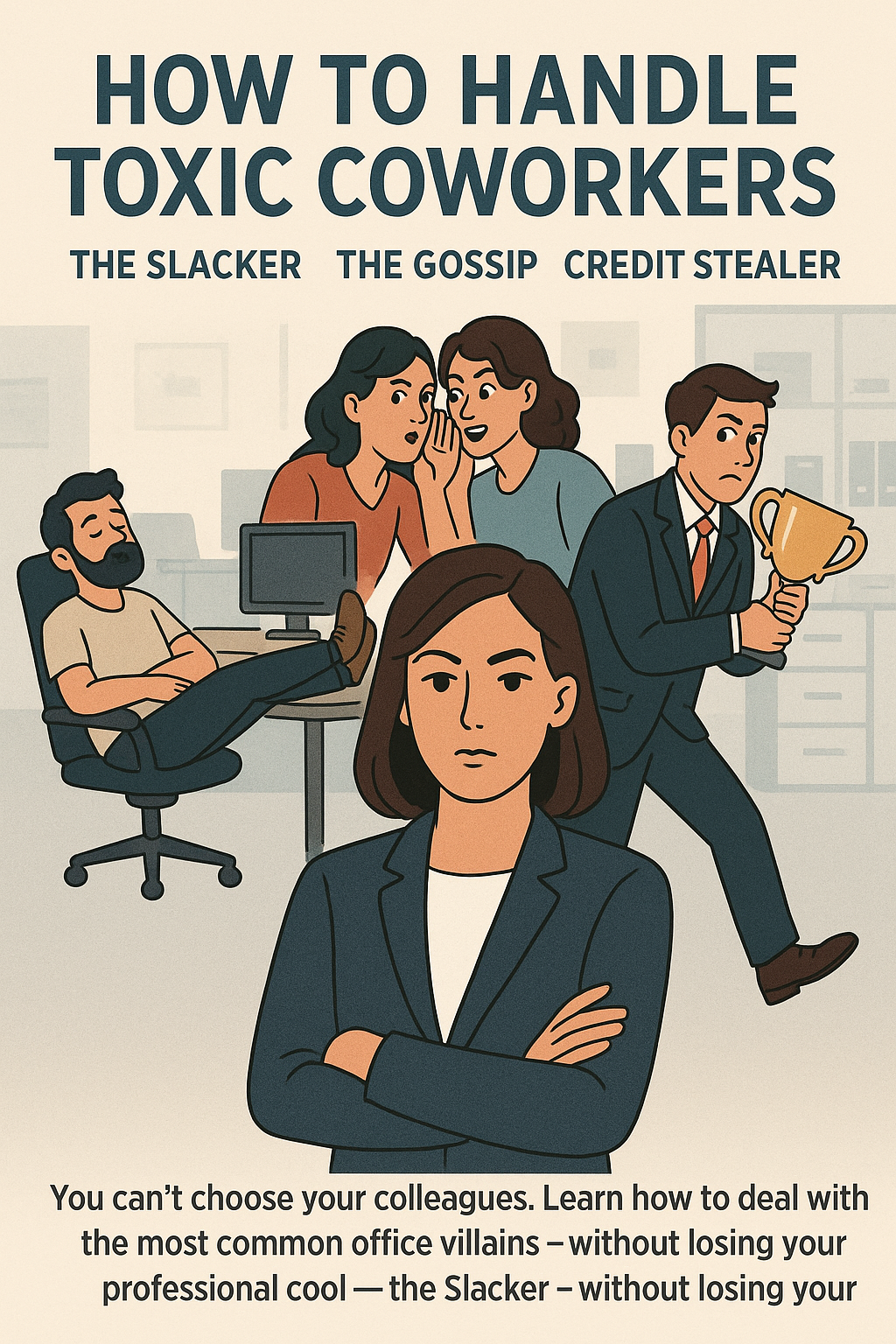
How to Handle Toxic Coworkers: The Slacker, The Gossip, and The Credit Stealer
You can't choose your colleagues. Learn how to deal with the most common office villains—the Credit Stealer, the Chronic Complainer, and the Slacker—without losing your professional cool.
2026-01-20
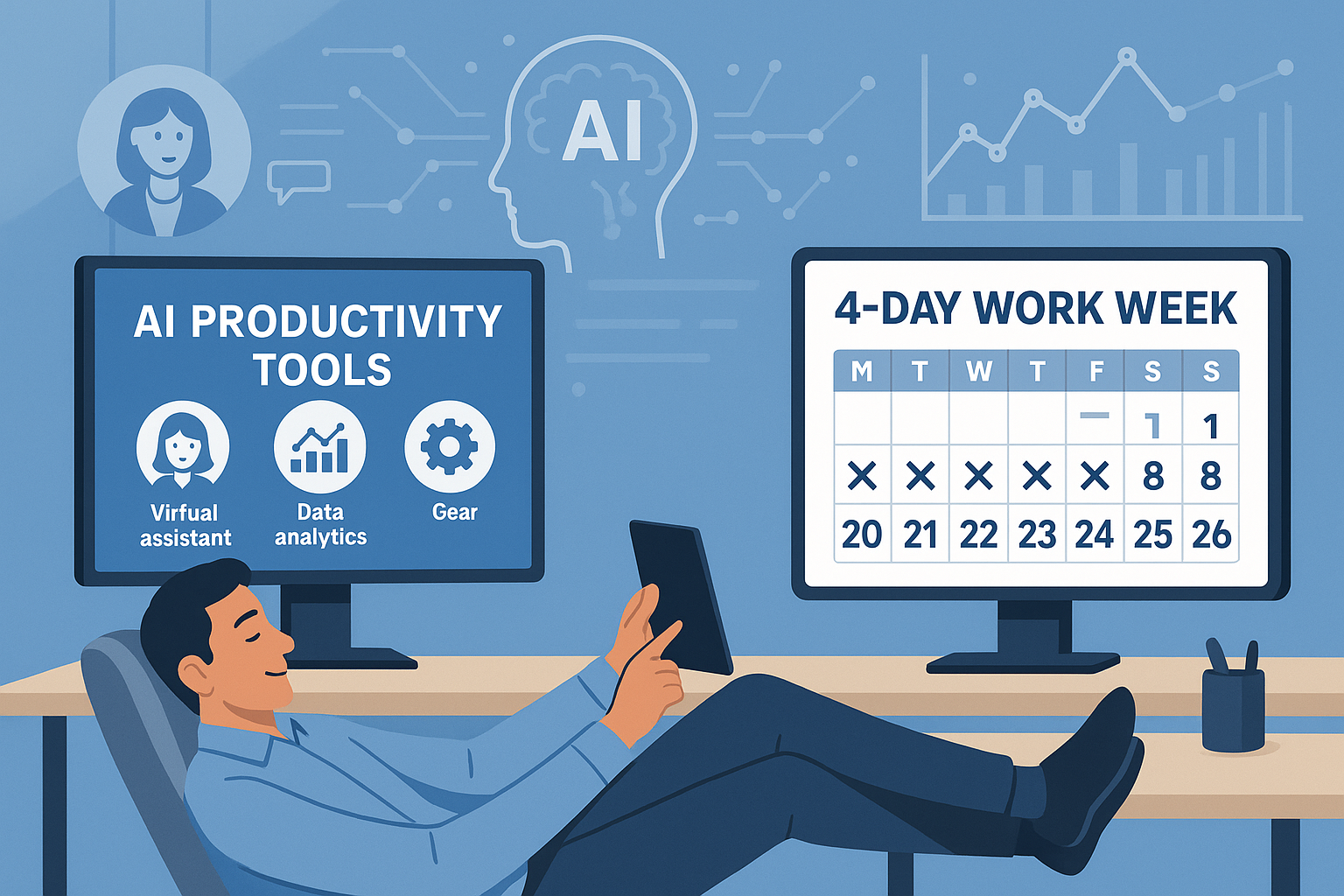
The 4-Day Work Week: Will AI Finally Make It a Reality?
Can Artificial Intelligence unlock the 4-day work week? We analyze how AI productivity tools could shorten the work week, the economic obstacles standing in the way, and how to position yourself for an output-based career.
2026-01-20
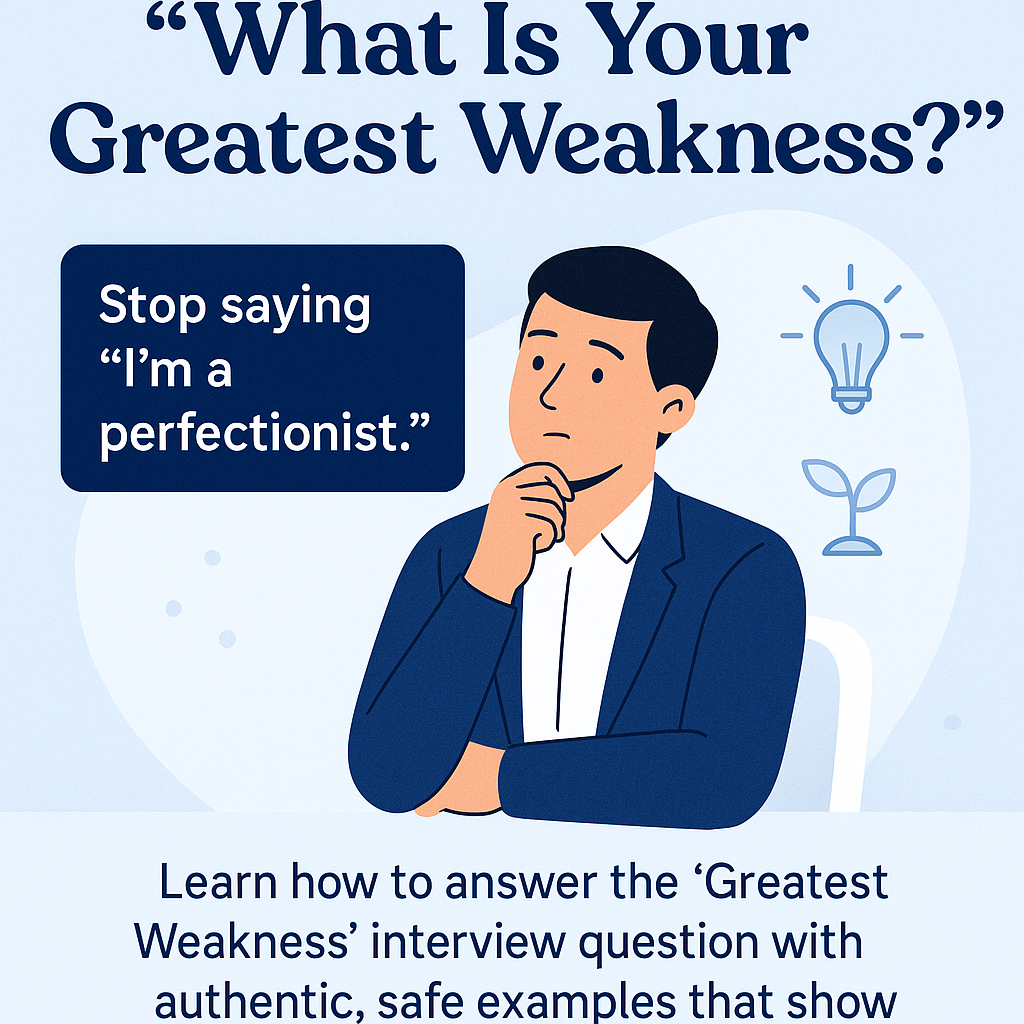
Best Answer to "What Is Your Greatest Weakness?"
Stop saying "I'm a perfectionist." Learn how to answer the "Greatest Weakness" interview question with authentic, safe examples that show growth and self-awareness.
2026-01-19
How to Ask for a Referral on LinkedIn (3 Proven Scripts)
Stop getting rejected by the ATS. Employee referrals are 4x more likely to get hired. Learn the psychology of the "ask" and use our copy-paste scripts to get referred today.
2026-01-08
Video Interview Tips: How to Ace Your Zoom & Teams Interview |
Nervous about your virtual interview? From lighting hacks to eye contact secrets, master these 7 video interview tips to look professional on Zoom, Google Meet, or Teams.
2026-01-08